Parallax Occlusion Mapping is a method where the pixel shader does ray marching to properly offset the UV coordinates to fake depth in your materials. Basically, it makes things look more 3D even though it’s still flat. Usually, normals do the heavy lifting. As in this example from above, these rocks look pretty good.
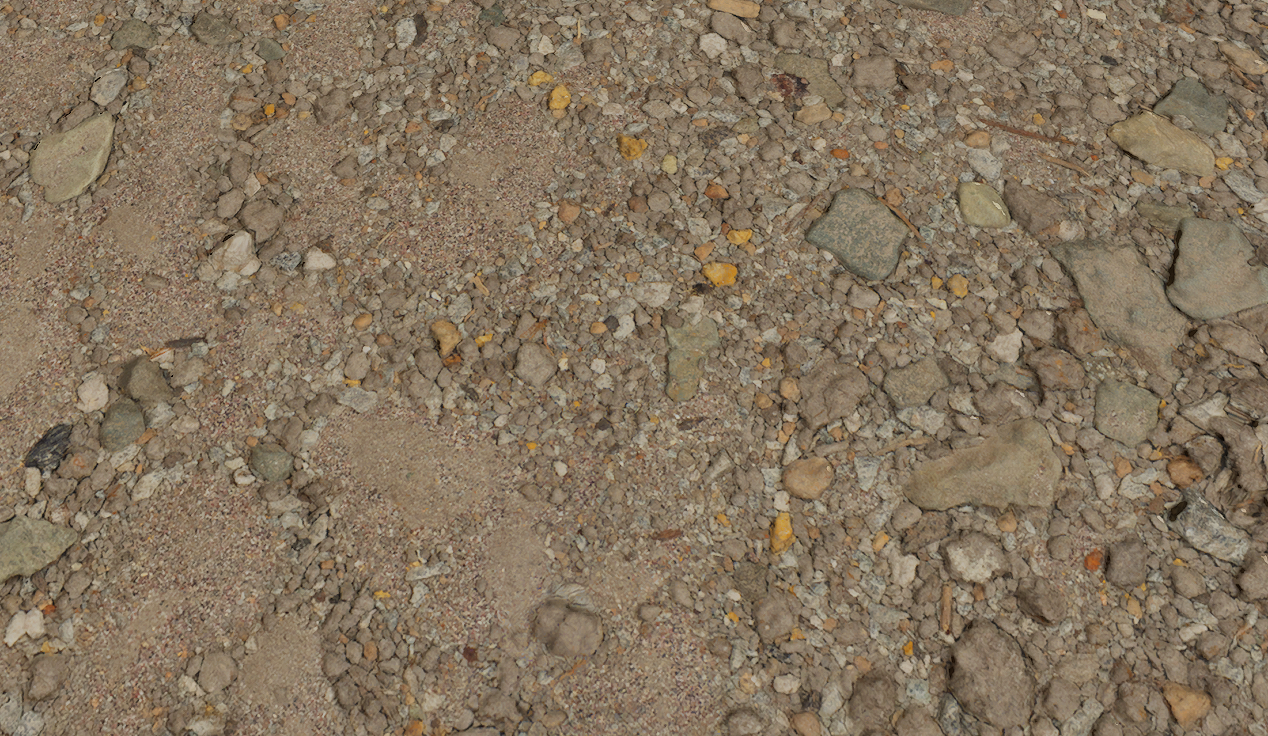
But when viewed flat on, it looks quite flat.
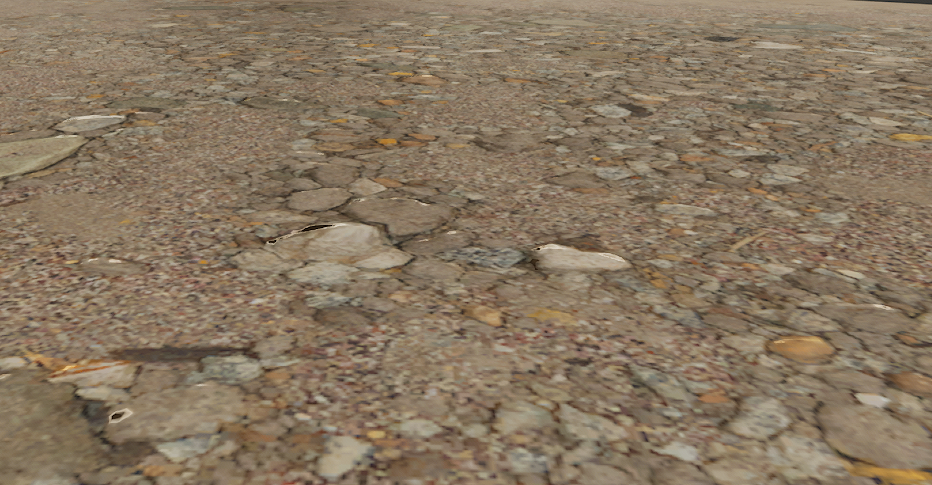
But if you use Parallax Occlusion Mapping, you can get something like this. Note that this is greatly exaggerated for effect.
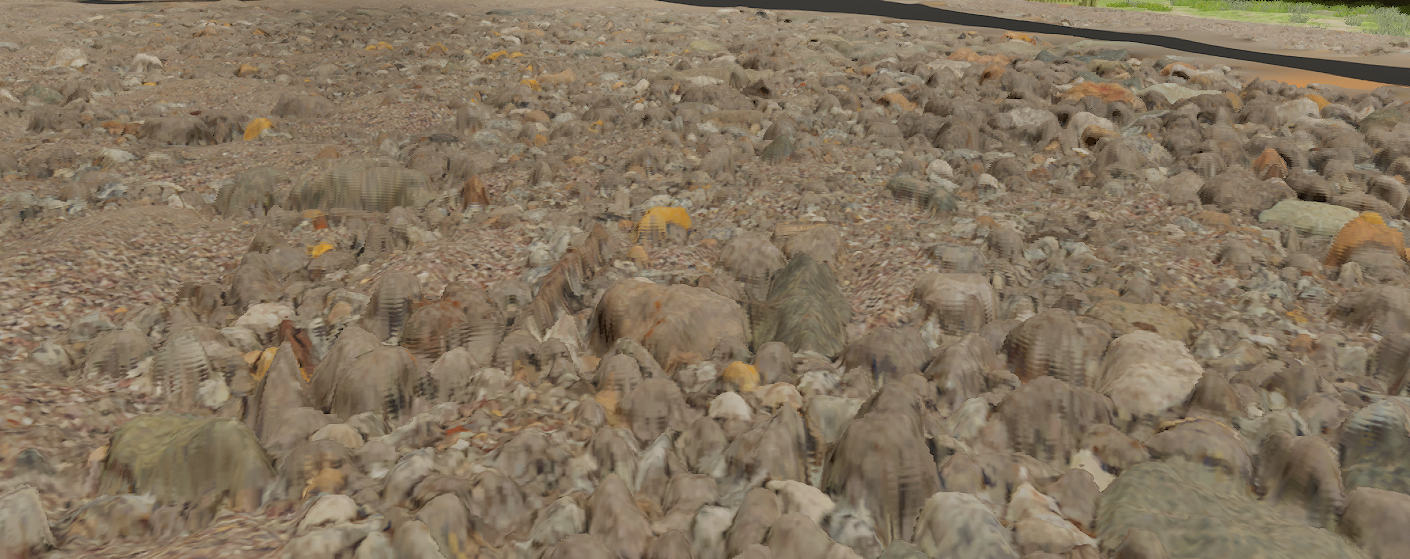
To make this work, it needs a custom HLSL node that loops 8 to 64 times to do ray marching. It’s not raycasting, but just seeing if anything is occluding it by sampling a displacement map in front of the current texture coordinate on pixel at a time. If it finds an occlusion, then it returns that offset and that’s what’s displayed on screen. So it makes it look like your flat plane actually has geometry. With the help of normals, it looks really good. And yes, it is costly, but if it’s only on a few assets, it’s not bad.
So far, nothing new here. Why this topic?
Well, I wanted to do something a bit bonkers. I have a virtual heightfield mesh already for the terrain. It can take a height maps and add displacement already. But was it good enough? I had to find out. So what if we turn off displacement and use POM instead? There was just one catch. I was using Runtime Virtual Textures (RVT). What is RVT? It’s basically dynamic megatexturing. It’s where you draw into a big and sparse virtual texture one tile at a time as you need it as your move and turn the camera. But the next time you need that tile, you don’t use the original material, you just grab the textures from the RVT and use it directly on your material output node. This can really speed up rendering.
Still nothing new.
Well, for POM to work, you need to pass in a texture object. RVT doesn’t allow itself to be treated as a texture object. Ok fine. I decided to modify the custom HLSL to sample the RVT directly in the custom code. Only problem is this isn’t supported. Not only that, but I needed to use derivatives to select the LOD. These instructions are DDX and DDY. You can use them on any variable and it tells you what the value is in the neighboring pixel’s pixel shader. All video cards render 2×2 pixels at a time. So you can ask it what any variable is for adjacent pixel shaders. That means you can compare UV coordinates between pixels on screen. So if the UV’s are one texture pixel apart, then you use the highest LOD. If they’re 2 texture pixels apart, you use LOD 1. If they’re 4 pixels apart, you use LOD 2. If they’re 8 pixels apart, you use LOD 3 and so on. It’s the log2 of the texture pixel distance to find the LOD. You can use an average with the adjacent vertical pixel.
When looking at how to sample from RVT, there is no function to sample with DDX and DDY values like there is for regular textures. So how to do it? I implemented a material graph with a single lookup to the RVT using DDX and DDY and then looked at the HLSL code it generated for my material. I then copied the code and modified it to use my derivatives. It’s a very long mess of code. And the values (uniforms aka. values passed to the GPU from the CPU) needed to sample from the RVT are hardcoded indexes. IOW, they are magic numbers as they are generated by the engine. So if I change anything, I have to update a few indexes. Very fragile. But I got it working.
Here is an image with three separate parts. Flat, Virtual Heightfield and Parallax Occlusion Mapping. Can you even tell where I split the images?
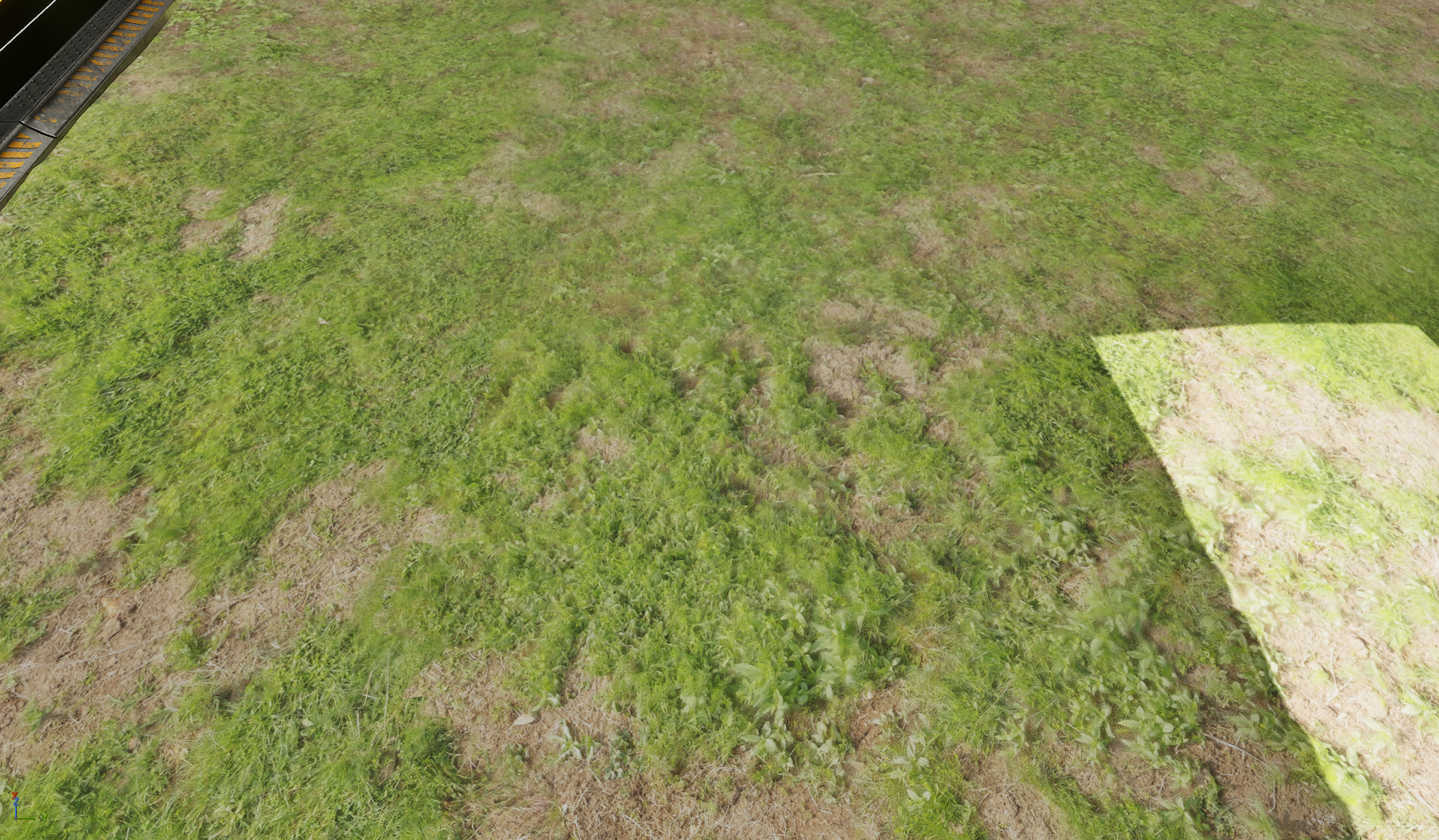
On the left is flat. In the middle is POM. On the right is VHFM. And yes, they are all slightly different from each other for the full image.
Up close, POM can look really really good. Here’s one example:
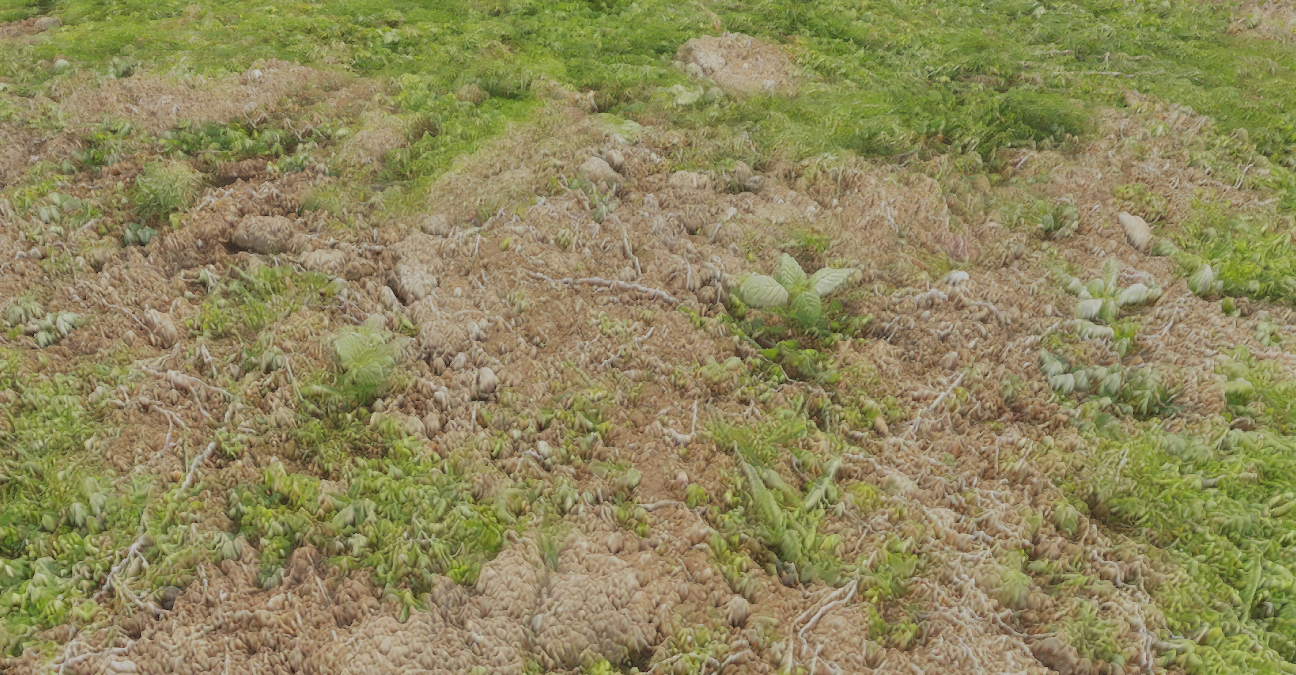
But no one zooms in that close to admire the grass. As soon as you zoom out a bit, the difference isn’t that great anymore. Now, POM is indeed superior. No question about it. But is it worth it? ABSOLUTELY!!!#$@$@#@!! Hell yes! What’s the point of optimizing your game if you can’t bloat it down again with cool effects that you’ll hardly notice?
The answer should have been a clear no. But I’m not so sure. I’ll probably remove POM simply because it’s so fragile when used with RVT. I’d never be able to maintain it. The point is that while some projects do get bogged down with visuals, adding a few effects for fun isn’t a bad thing. I also think there’s a cognitive bias at times. Parallax Occlusion Mapping sounds cooler. So it must be better.
I don’t really have a point other than I don’t think POM is that much better than VHFM. And I wanted to rant about wanting to use a feature that I can’t justify 🙂
