In one of my levels, I ran into a problem. I had not planned out my lighting. In fact, I didn’t understand how lighting worked at all. If you use a directional light, that light takes over almost every aspect of lighting. It uses cascade shadow maps based on the setting on the light. It takes over the shadow budget for all other lights as well. I’m not using Virtual Shadow Maps. So I don’t know if the effect is the same, but my guess it would be because it has to do with direct lighting.
In one of my levels, I made it look like an abandoned courtyard inside a castle for giants. But the courtyard had a roof with holes. The holes were there to produce god rays or volumetric effect. Basically, you see a column of light beaming down. Like this.
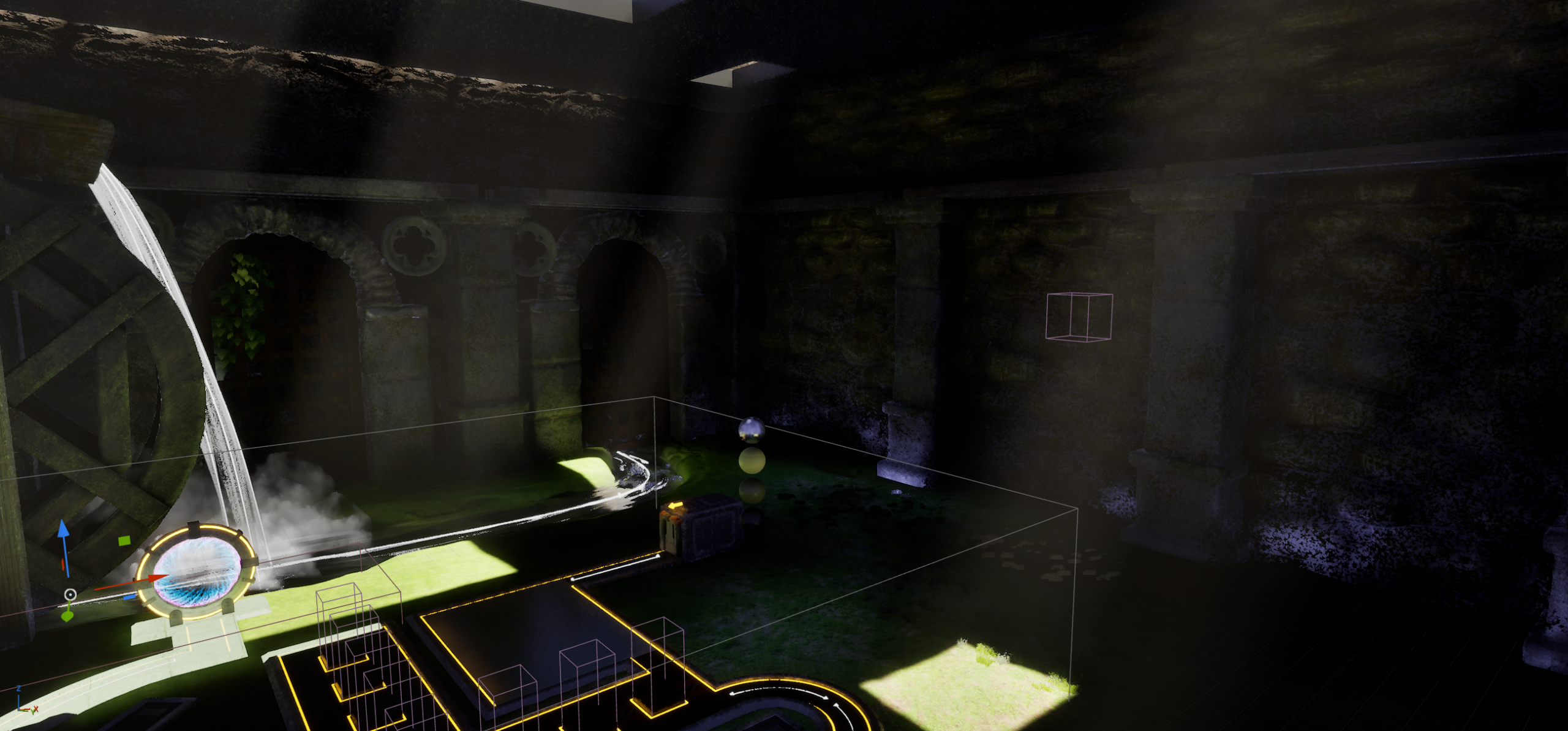
You get these columns of light by increasing the Volumetric Scattering Intensity setting on your directional light. I bumped it up to 2 in the image above. It’s usually at 0.8 for a more subtle effect. But notice what happens to the level. It is quite dark. For the longest time, I thought I would have to remove the roof and just get rid of this effect. But I kept coming back to it because it was the original idea behind this level. Everything else was built around this idea of using god rays. The first obvious idea is to put in spotlights or other lights in the level. That does work. But you can only have 4 overlapping lights for static or stationary lights. Now, this is a very stupid statement. Why? Because back then, I didn’t understand how lights worked. Everything around the camera uses dynamic lighting. There is no scenario where the entire level isn’t rendered using dynamic lighting because everything is close to the camera. It’s a small level. If you don’t use a directional light, you could get static lighting to work, but that’s another topic. With a directional light, everything is dynamic around the camera. The distance is set in the directional light.
Ok, so if it’s dynamic, then using spotlights is fine, right? Well, no. They don’t render using the same system as the directional light. Every object is rendered separately and shadows are dynamically created individually unlike the directional light that does everything in one go. Directional lights are MUCH cheaper than other types of lights. Also, the shadow budget is controlled by the directional light even though it’s a different light.
There’s a MUCH bigger problem though. The shadows from the directional lights tend to override anything from other lights. Directional lights are the king of controlling shadows. So putting lights inside the level will help somewhat, but it will get drowned out up close to the enemies and towers. Said plainly, lights don’t like it when they compete with each other. We have the main light casting a HUGE dark shadow over everything and the other lights are trying to counter that. The engine really doesn’t like that. If you just want a light on the wall or some extra illumination, that’s not too bad. But shadows on moving actors is going to be a nightmare.
I tried a LOT of things. Nothing worked. One example was trying to make the roof semi transparent. That was a disaster.
Then I saw a feature I don’t think I’ve ever seen mentioned before. It’s apparently meant for the render queue, not for games. In the directional light, there is an option called “Cast Shadows from Cinematic Objects Only”. What we do is add a second directional light. You need to set the Forward Shading Priority to 0 (or lower than the main directional light) so as to not cause conflicts. This setting is to tell the engine which light controls the shadow budget. You need to set the second directional light to movable. This isn’t a problem because everything nearby is using dynamic lighting anyways. This light should have the checkbox for Cast Dynamic Shadows and no other types of shadows. All other types of shadows should not be checked. Also turn off Atmosphere Sun Light on the second directional light.
Now you get lighting inside the level. But there are no shadows from this light at all. To get shadows, only actors that have Cast Cinematic Shadow enabled will cast shadows. And those actors must be movable. Again, I originally thought this would take a performance hit because I had to make my actors movable, even for static walls that I wanted to cast shadows. But as I said, anything near the camera is rendered dynamically anyhow when you use a directional light. For the walls, I added fake proxies. Just big rectangle shapes behind the walls and enabled Cast Cinematic Shadows. And I set this flag on all my towers and enemies. I then looked at everything in my level that I wanted to cast shadows and turned on that flag as well.
As I was writing this article, I noticed that my screenshot above had some blue lighting at the bottom of the walls on the right. I went looking and found that this is the scattering color of my fog component. I’m using an ExponentialHeightFog. So I turned it white, but it was still visible. So I changed the end distance to be 500. This limits the scattering distance and it solved the issue. So writing this article helped solve a problem I didn’t even notice until now.
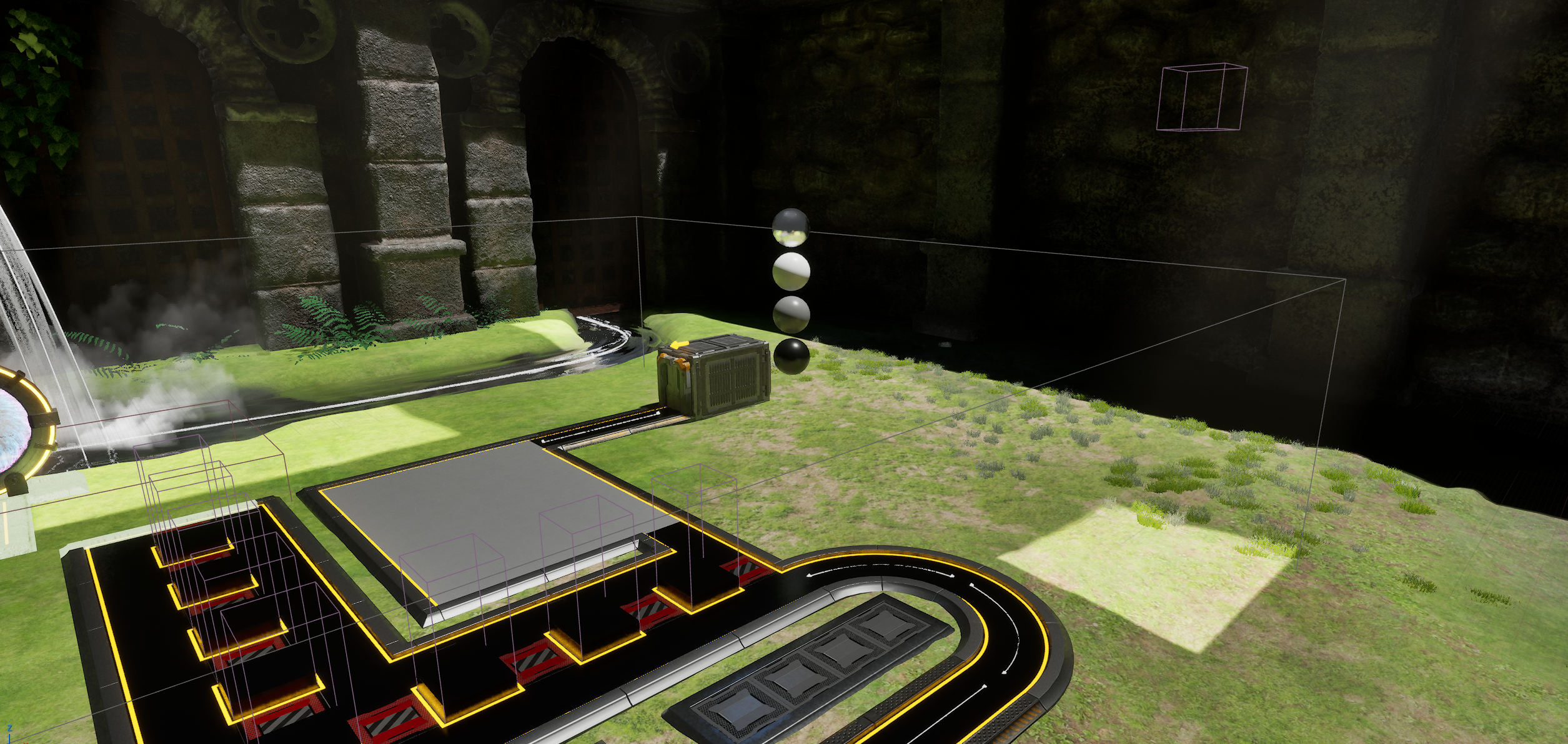
Anyhow, this is how you can get get extra lighting in an enclosed area if you use directional lights. Use the Cinematic shadow feature.
Wishlist my sci-fi tower defense game on Steam or Epic Store
